AI Video Generation
Generate Videos
With AI in After Effects
Transform text prompts and images into video clips. Create motion backgrounds, B-roll footage, and dynamic content directly in your After Effects workflow.
Video AI Models in Ziframe
Access cutting-edge video generation models from leading AI providers. New models added regularly.
ByteDance Seedance
Professional-grade video generation with exceptional speed. Create cinematic clips from text prompts or animate still images.
- Up to 12 seconds
- 480p to 1080p
- Fast generation
- Camera control
WAN Video 2.5
Fast text-to-video with LoRA support and audio synchronization. Perfect for motion backgrounds and creative effects.
- 5-10 second clips
- Up to 1080p
- Audio sync
- LoRA support
Topaz Video Upscale
Upscale existing video footage with AI-powered enhancement. Improve resolution and detail on low-quality source material.
- Up to 6x upscale
- Detail enhancement
- Face refinement
- Multiple models
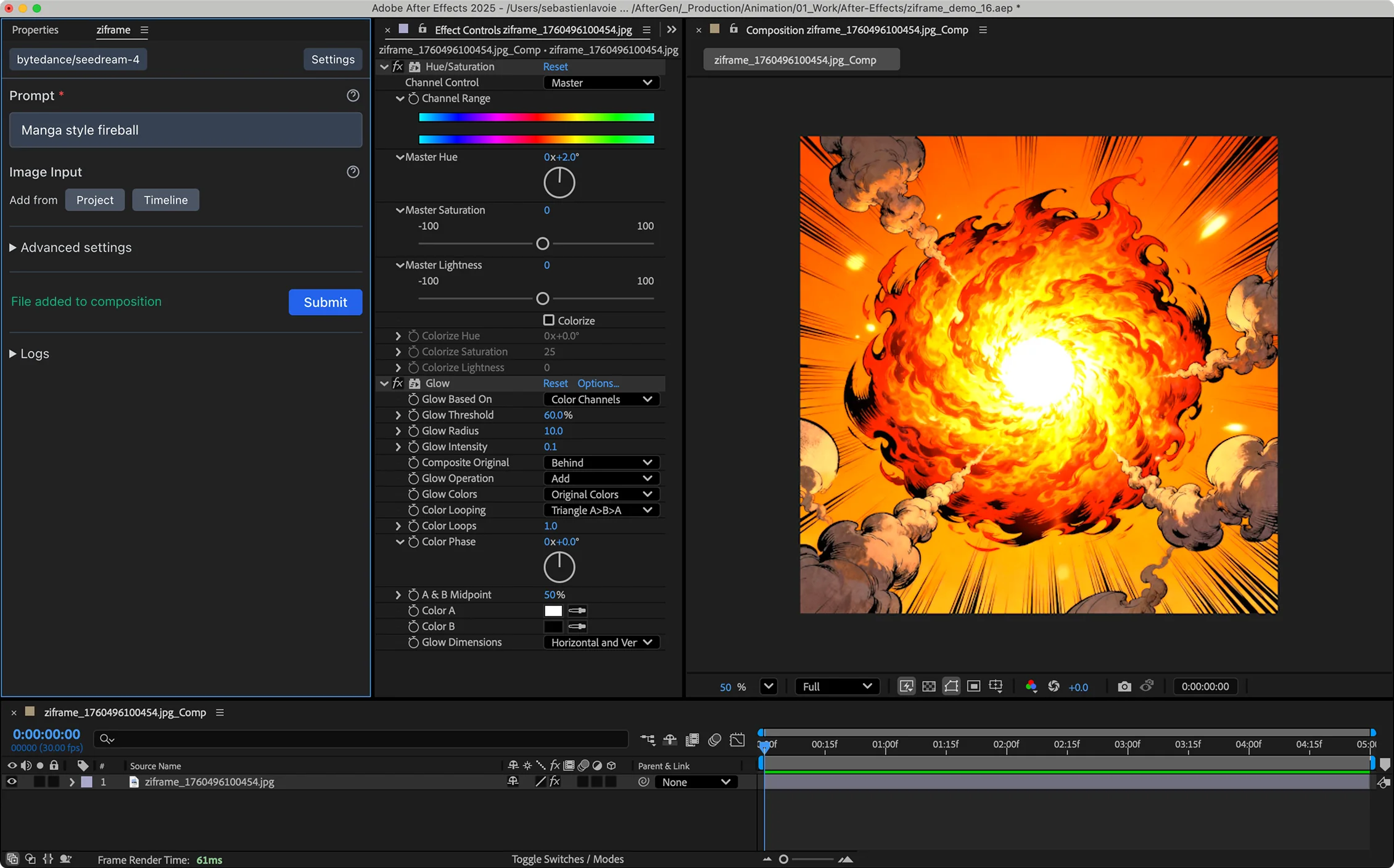
What Can You Create
With AI Video?
Motion Backgrounds
Generate abstract, nature, or stylized animated backgrounds for your compositions. Perfect for lower thirds, title cards, and transitions.
B-Roll & Stock Footage
Create custom B-roll that fits your project exactly. No more searching through stock libraries for the right clip.
Image Animation
Bring still images to life with image-to-video models. Add subtle motion to photos, illustrations, or AI-generated images.
Concept Visualization
Quickly generate video concepts for client presentations. Iterate on ideas before committing to full production.
Why Generate Video in After Effects?
Standalone AI video tools are powerful, but they break your workflow. Here's why integrated generation is better.
Standalone AI Video Tools
- Switch to browser, generate, download, import, organize
- Monthly subscriptions pile up across multiple tools
- Generated files need manual file management
- Context switching breaks creative momentum
- Limited to one AI model per subscription
Ziframe in After Effects
- Generate and import in one step, directly in AE
- Pay-per-use credits, no monthly subscriptions
- Assets auto-import to your project panel
- Stay in your timeline, stay in flow
- Access multiple video models from one panel
Download Ziframe
Download and install the extension to start using it in After Effects.